The 6 Best Free Pomodoro Timers with Ambient Sounds (2026)
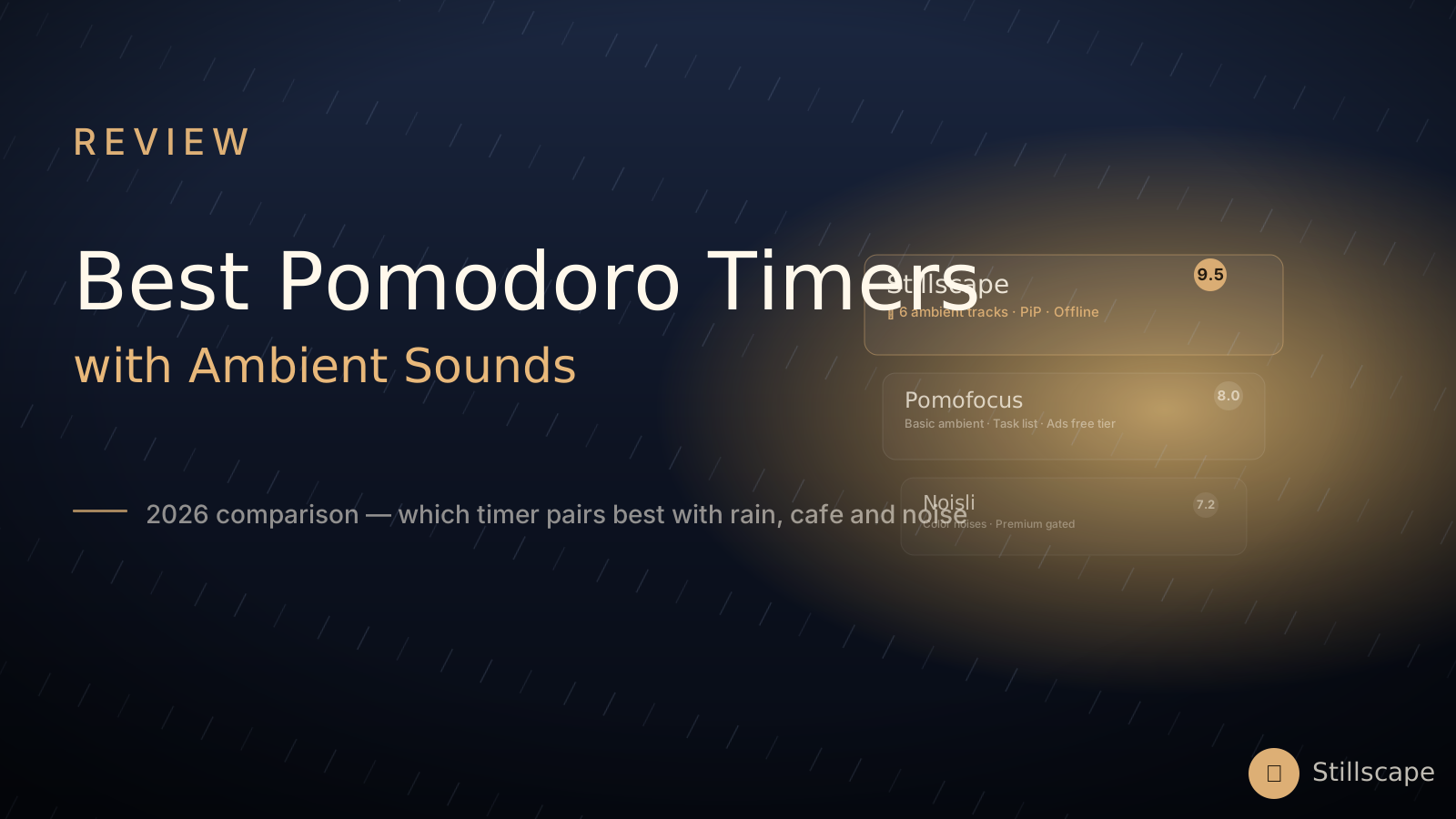
The best Pomodoro timers with ambient sound combine a 25/5 focus timer with built-in rain, cafe, or noise soundscapes in a single tab. A Pomodoro timer and a soundscape belong together — the clock structures the time, the ambience protects it. Yet most "timer + sound" pairings mean juggling a YouTube tab with ads against a timer app. These six tools solve it in one window. Every pick below is genuinely free to use; we note where the free tier gets thin.
"A timer without sound is a clock. A sound without a timer is a mood. Together, they are a focus system."
Quick comparison
| Tool | Ambient sound | Timer & stats | Free tier honesty |
|---|---|---|---|
| Stillscape | 6 real-recording tracks, independent faders | 25/5 + long break, presets, tasks, heatmap, CSV | Everything free, no ads, no account |
| Pomofocus | Basic background sounds | Best-in-class task management, reports | Free but ad-supported; premium price not published |
| PomoNoise | 6 noise colors + rain/cafe/fire | Simple timer, no stats | Completely free, no ads |
| Lofi.cafe | 16 lo-fi radio channels via YouTube | Basic Pomodoro | Free, no ads of its own |
| I Miss My Cafe | 8 cafe sliders + Spotify | Light timer, no stats | Free, no ads |
| TimerToStudy | 5 ambient loops | Multiple methods, today stats, quiz | Free, no ads |
1. Stillscape — best overall atmosphere
The only pick that treats the timer as part of a place: a rainy cafe video scene that dims during focus and warms during breaks, with six real-recording sound layers on independent faders. The Pomodoro loop is complete — automatic 15-minute long breaks every fourth block, one-click Deep Work (90/20) and 52/17 presets, a task list that counts its own pomodoros, breathing guides on breaks. Statistics run from a 14-day heatmap to monthly charts with streaks and CSV export. Installable as an offline app, floats as picture-in-picture. No ads, no account, free.
Trade-off: heavier than a bare-bones timer — it's a room, not a widget.
2. Pomofocus — best for pure task management
The category's benchmark: task estimates, templates, day/week/month reports, desktop apps. Its free tier is ad-supported, premium pricing isn't published on-site, and there's no real ambience — but as a disciplined work timer it's still excellent.
3. PomoNoise — best for noise colors
Six generated noise colors (white through violet) plus rain, cafe and fireplace loops, each mixable, wrapped around a simple timer. No statistics and no visuals, but everything is free and instant. Great if brown noise is your whole personality.
4. Lofi.cafe — best for music radio
A retro TV that flips through 16 lo-fi channels (YouTube-powered) with a basic Pomodoro and keyboard shortcuts. The vibe is unmatched; the timer and privacy story are minimal, and audio depends on YouTube availability.
5. I Miss My Cafe — best for nostalgia
The beloved original cafe soundboard: eight sliders, a Spotify playlist, a light timer. No stats, no tasks, no offline — by design. We compared it in depth against Stillscape right here.
6. TimerToStudy — best for method nerds
Pomodoro, Deep Work, Ultradian, 52/17 and Flowtime explained and built in, with today-stats and a focus quiz. Ambient loops are modest and there's no scene, but for learning why the intervals work, it's the most educational pick.
How to choose
- You want a place, not a widget: Stillscape.
- You live in your task list: Pomofocus.
- Brown noise is the point: PomoNoise.
- You want lo-fi radio: Lofi.cafe.
- You want nostalgia: I Miss My Cafe.
- You're learning the methods: TimerToStudy.
And if Pomofocus's ads are what brought you here, our dedicated guide to free Pomofocus alternatives goes deeper.
Why ambient sounds and Pomodoro work better together
Most people use a pomodoro timer and ambient sound separately — one tab for the clock, another for a rain playlist — but combining them in a single tool isn't just a convenience upgrade. There's a real cognitive reason the pairing works so well.
The pomodoro technique solves a timing problem: it structures your work into discrete, achievable blocks so you don't feel overwhelmed by a giant task. But it doesn't solve a distraction problem. When you're halfway through a 25-minute block, a notification pops up, your brain notices it, and suddenly you're off-task — the timer keeps running but your focus is gone.
Ambient sound solves exactly that distraction problem. Moderate, consistent background noise (50-70 dB) masks jarring interruptions — the doorbell, a coworker talking, a car outside — without competing for cognitive resources. Research on "attention restoration theory" shows that natural ambient sounds like rain and flowing water actually reduce mental fatigue, making it easier to sustain focus for the full 25 minutes.
Used separately, each tool covers half the problem. Combined in one window, they cover the whole thing: the timer keeps you on schedule, the sound keeps you in the zone. That's why the best tools on this list treat them as a single system, not two features bolted together.
How to set up your pomodoro + sound system
Getting the pairing right takes more than just opening two tabs. Here's a step-by-step setup that works for most people:
Step 1: Pick the right sound for your task. Not all ambient sounds are equal. Writing and creative work pair best with cafe ambience — the low murmur of conversations gives your brain enough social stimulation without the distraction of actual words you can understand. Deep analytical work (coding, math, research) pairs better with rain or brown noise — consistent, predictable, with no variation to pull your attention. Relaxing before sleep pairs best with ocean waves or gentle wind.
Step 2: Set the volume to the sweet spot. This is the most common mistake. The audio should be loud enough to mask room noise, but quiet enough that you stop noticing it after five minutes. If you catch yourself actively listening to the rain, turn it down. For headphones, that's usually 30-40% volume; for desktop speakers in a quiet room, about the level of a soft conversation.
Step 3: Let the timer drive the breaks, not the sound. During your 5-minute break, resist the urge to pause the ambient sound. Keep it playing — the consistent background signal tells your brain you're still in "focus mode," just taking a short rest. When the next work block starts, your brain is already settled in, instead of having to re-adjust to a new sound environment.
Step 4: Don't layer too many sounds. It's tempting to mix rain + cafe + brown noise all at once, but that quickly becomes overwhelming. Start with one sound, and only add a second layer if you specifically need it (e.g., rain for masking, plus a low brown noise layer for deeper frequency coverage). Three or more layers usually does more harm than good.
Common mistakes when using timer + sound together
Even when you pick the right tool, small setup mistakes can cut your effectiveness in half:
Mistake 1: Using music with lyrics. It feels like music should be more motivating than "just rain," but any music with words competes with the language centers of your brain that you're using to write, code, or study. Instrumental and ambient sounds pass through without interference. If you really need music, keep it instrumental and low.
Mistake 2: Switching sounds every pomodoro. Your brain needs 10-15 minutes to fully habituate to a new sound environment. If you switch from rain to cafe to lo-fi after every 25-minute block, you're resetting your focus clock each time. Pick one sound and stick with it for a full session (4 pomodoros = 2 hours minimum).
Mistake 3: Using the same timer length for every task. The classic 25/5 works for most knowledge work, but creative deep work benefits more from 52/17 (or even 90/20 for flow states). Shorter, administrative tasks (email, filing) work better with 15/3. Most good timer tools let you customize — use that feature.
Mistake 4: Forgetting to take real breaks. The pomodoro technique only works if your breaks are actually rest. Scrolling social media during your 5-minute break doesn't let your prefrontal cortex recharge — it just adds more stimulation. Stand up, stretch, look out a window, get a glass of water. Your next focus block will be noticeably better.
Test drive the #1 pick
Rain on the window, 25 on the clock, nothing to sign.
Enter Stillscape — free